Housing Market API tutorials
Property data for developers: keys, countries, plans and documentation. Free, step by step, with captions. 17 short videos for developers and data teams.
Start with the overview
Start here
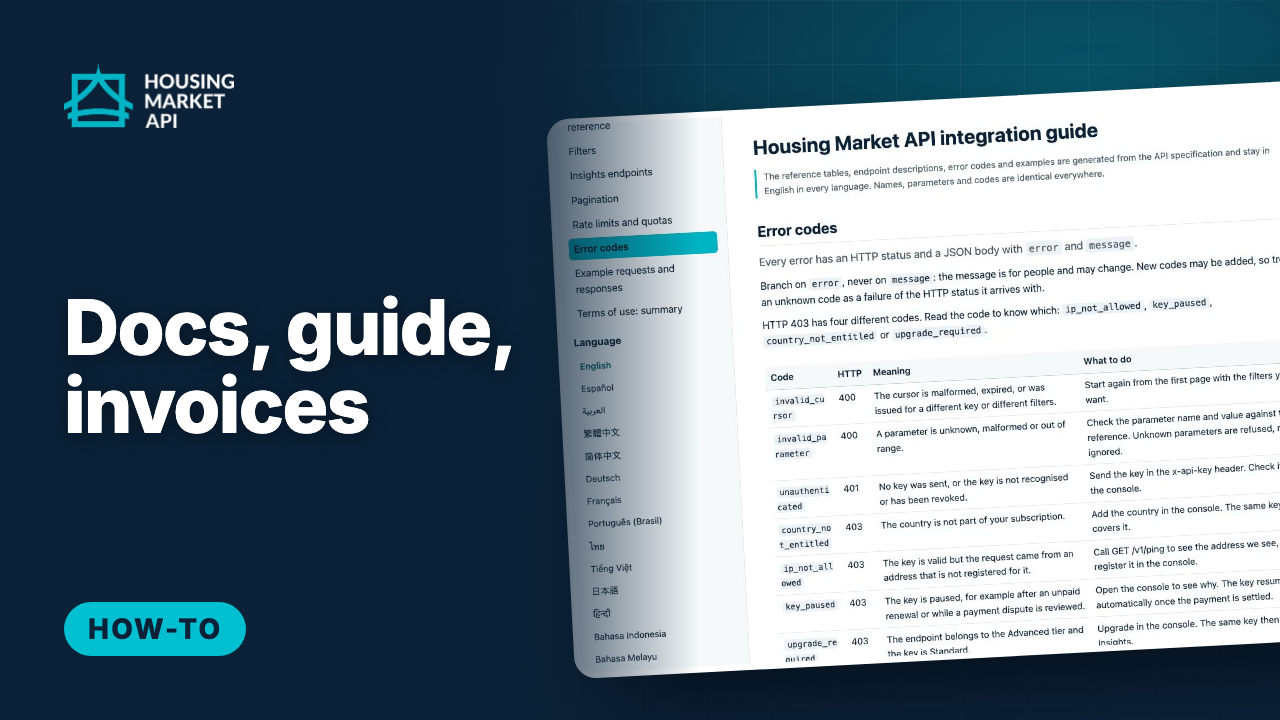
Housing Market API Documentation, PDF Guide and Billing
Everything you need to integrate the Housing Market API is in the console: the documentation, built from the same specification the API runs on, the OpenAPI file for your own tools, and an integration guide to download as a PDF. Your card and invoices are one click away. This tutorial walks the documentation, finds the OpenAPI file and the guide, and shows where billing lives.
Watch and follow the steps : Housing Market API Documentation, PDF Guide and Billing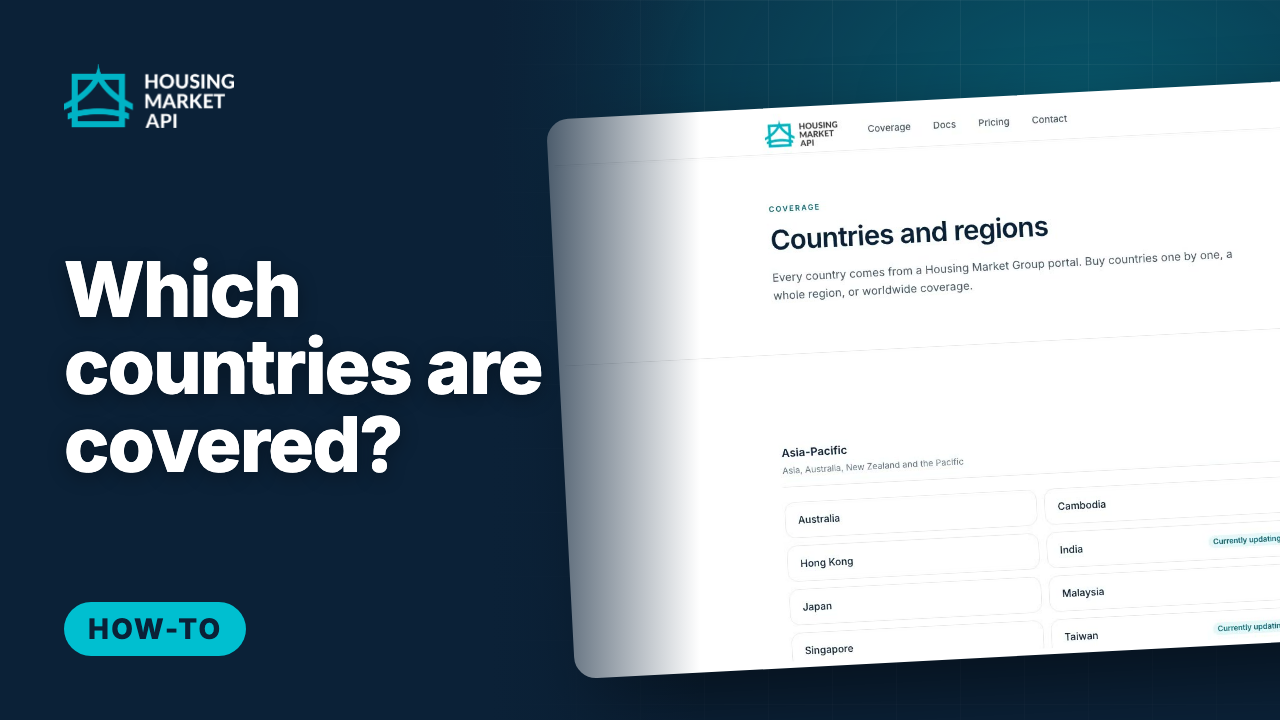
See Which Countries the Housing Market API Covers
The Coverage page of the Housing Market API shows every country the API can cover, grouped by region: Asia-Pacific, the Middle East, Europe and the Americas. Every country comes from a Housing Market Group portal, and you can buy countries one by one, a whole region, or worldwide coverage. A country marked Currently updating is not on sale yet. Each country name links to its portal in a new tab, so you can see the listings behind the data. This tutorial opens the Coverage page and walks through it. You do not need an account.
Watch and follow the steps : See Which Countries the Housing Market API Covers
Your account
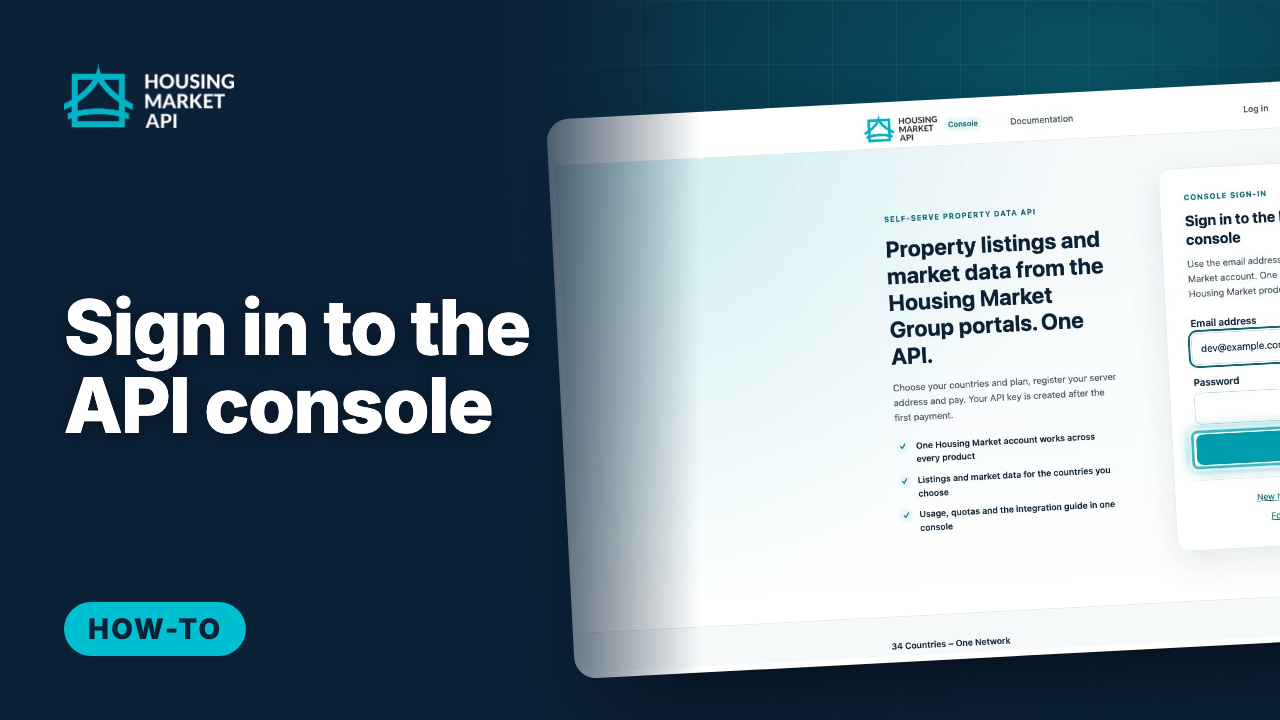
How to Sign In to the Housing Market API Console
The Housing Market API console is where you choose your countries and plan, register your server address, pay and find your API key. You sign in with your Housing Market account, the same email and password you use for the portals, the CRM or any other Housing Market product. This tutorial opens the console sign-in page, shows what to enter, and points out the links for creating an account and for a forgotten password, and the language menu in the header.
Watch and follow the steps : How to Sign In to the Housing Market API Console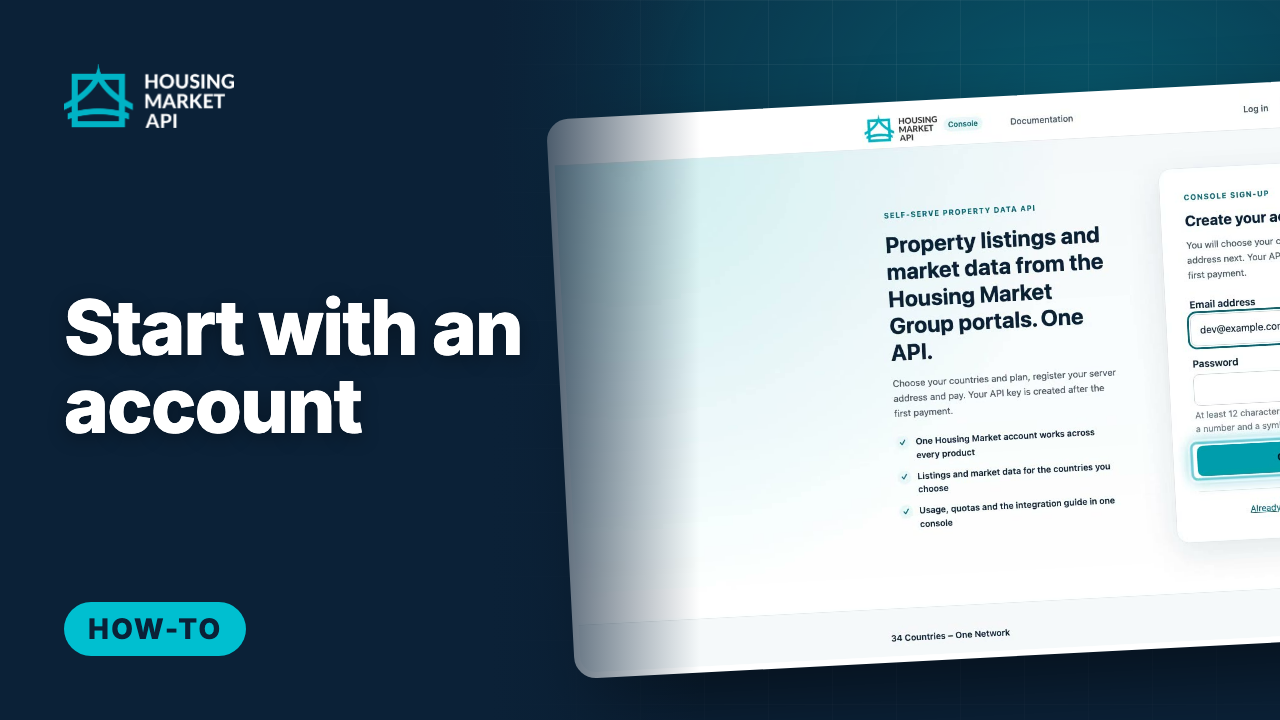
How to Create a Housing Market API Account
The Housing Market API gives your software the published property listings of the Housing Market portals, country by country. It starts with an account in the API console. This tutorial opens the sign-up page, enters an email address and a password, explains the confirmation code sent by email, and shows what comes next.
Watch and follow the steps : How to Create a Housing Market API Account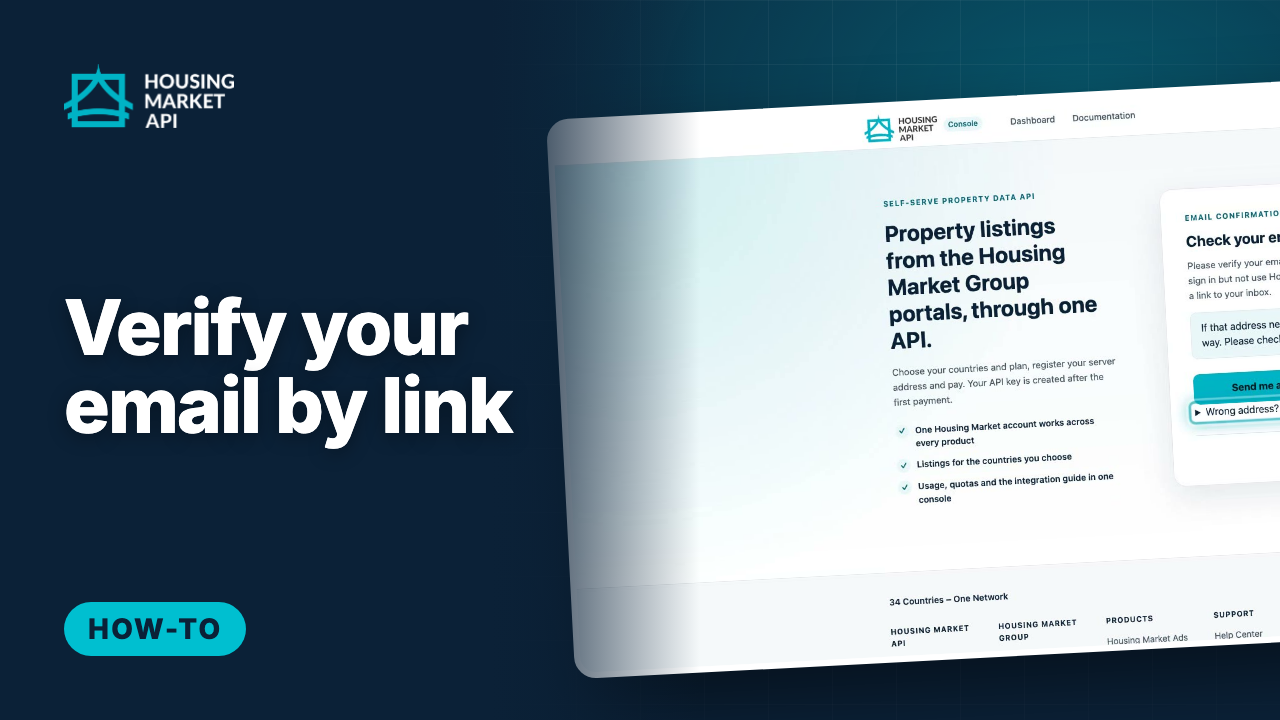
Verify Your Email by Link in the Housing Market API Console
You can sign in to the Housing Market API console as soon as you have an account, but you can only use it once your email address is verified. This tutorial signs in with an address that is not verified yet, shows the Check your email page, asks for a new verification email, shows how to correct a mistyped address, and then opens the emailed link and presses its button. There is no code to type anywhere.
Watch and follow the steps : Verify Your Email by Link in the Housing Market API Console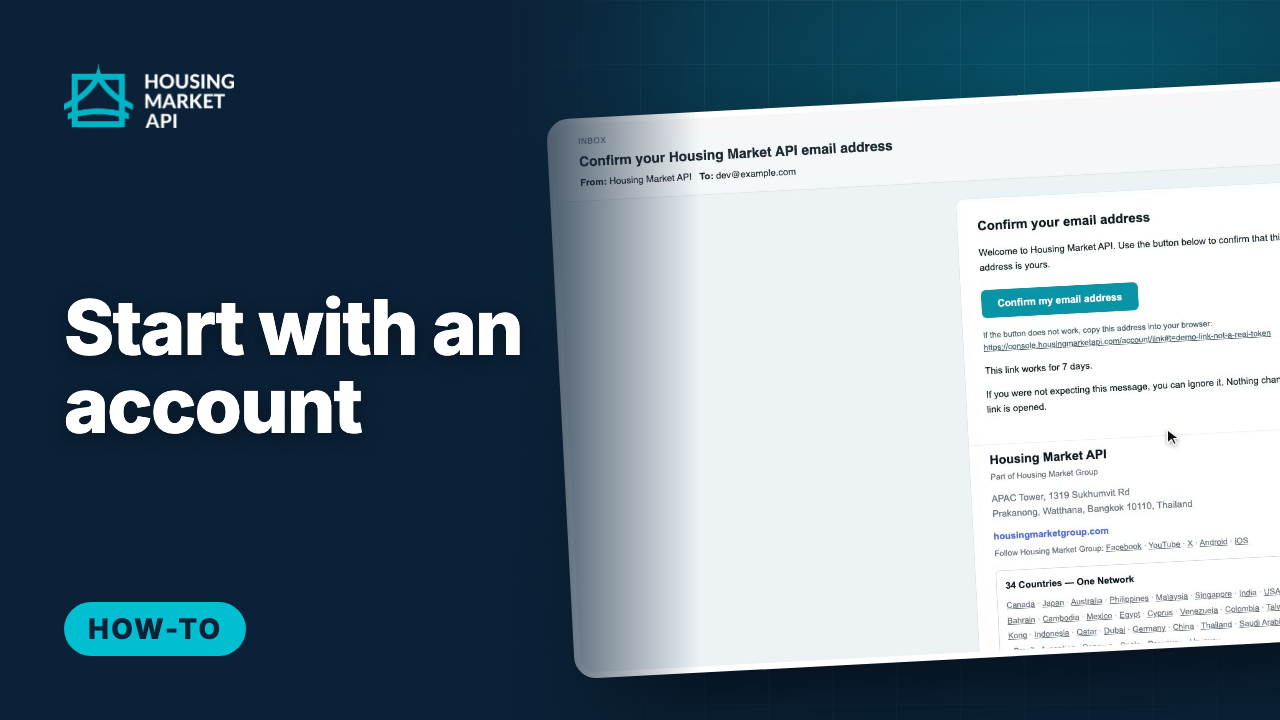
How to Create a Housing Market API Account by Email Link
The Housing Market API gives your software the published property listings of the Housing Market portals, country by country. It starts with an account in the API console. This tutorial opens the sign-up page, enters an email address and a password, explains the confirmation link sent by email (there is no code to type), and shows what comes next.
Watch and follow the steps : How to Create a Housing Market API Account by Email Link
Plans, countries and payment
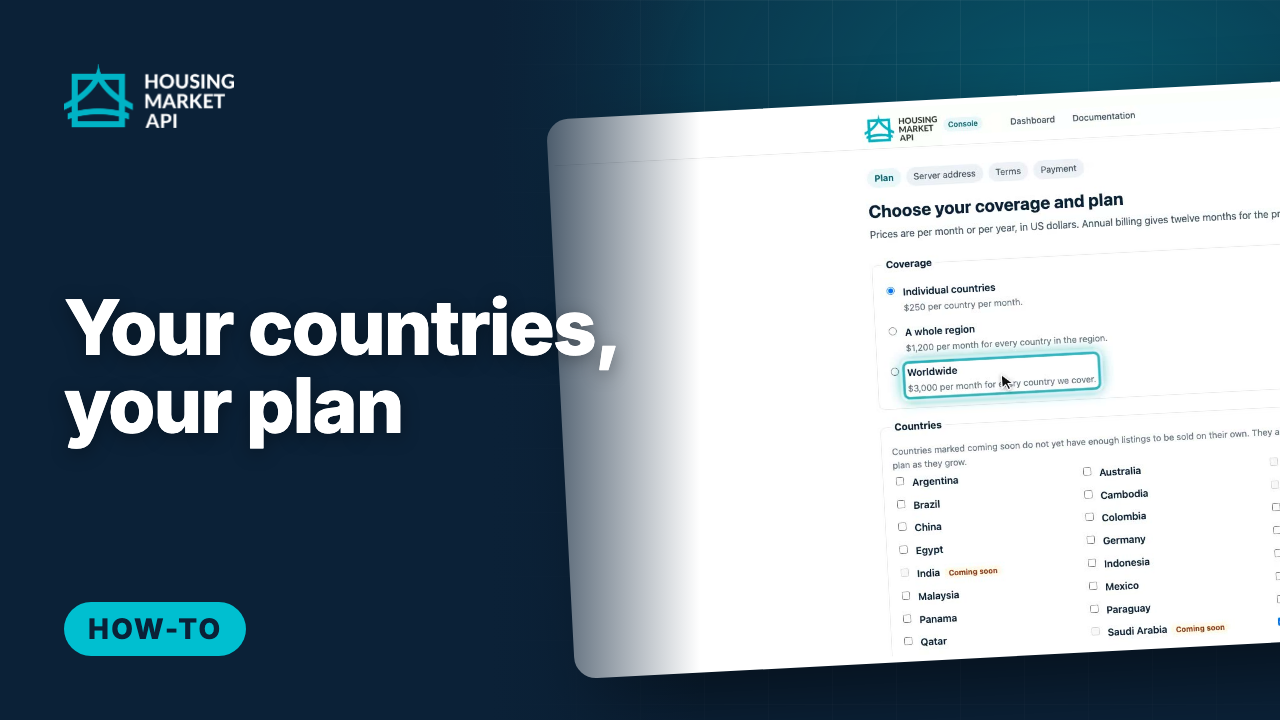
How to Choose Countries and a Plan for the Housing Market API
The Housing Market API is sold by coverage: individual countries, a whole region, or worldwide, billed monthly or yearly. There are two plans, Standard with property listings and all their details, and Advanced, which adds aggregated market Insights once they launch, and both cost the same. This tutorial chooses countries, compares the region and worldwide options, picks a plan and a billing period, and continues.
Watch and follow the steps : How to Choose Countries and a Plan for the Housing Market API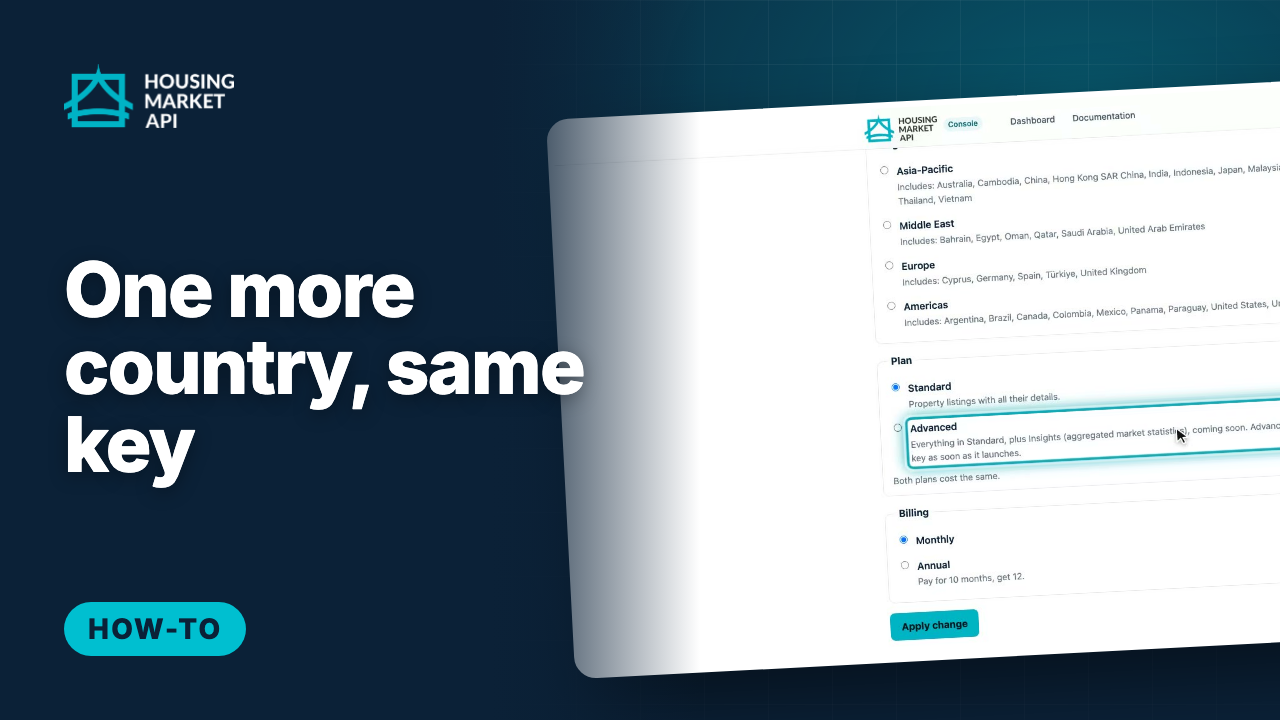
How to Add a Country or Upgrade Your Housing Market API Plan
Your Housing Market API plan can grow with you: add a country, move to a region or worldwide, or move to Advanced, and the same key covers it as soon as the payment is confirmed. This tutorial opens the plan change, adds a country, and explains how adding and removing are charged.
Watch and follow the steps : How to Add a Country or Upgrade Your Housing Market API Plan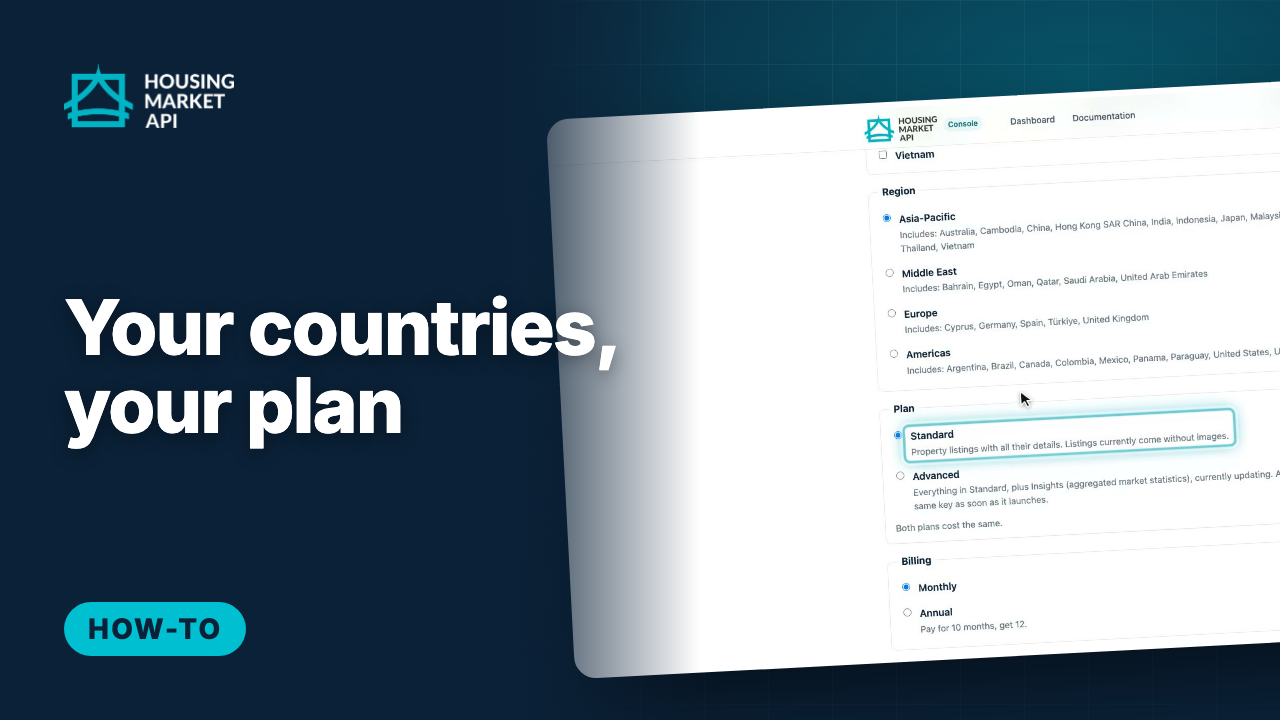
Housing Market API Pricing: Choose Countries, a Region or Worldwide
The Housing Market API is sold by coverage: individual countries, a whole region, or worldwide, billed monthly or yearly. There are two plans, Standard with property listings and all their details, and Advanced, which adds aggregated market Insights as soon as they launch, and both cost the same. This tutorial chooses countries, compares the region and worldwide options, picks a plan and a billing period, and continues.
Watch and follow the steps : Housing Market API Pricing: Choose Countries, a Region or Worldwide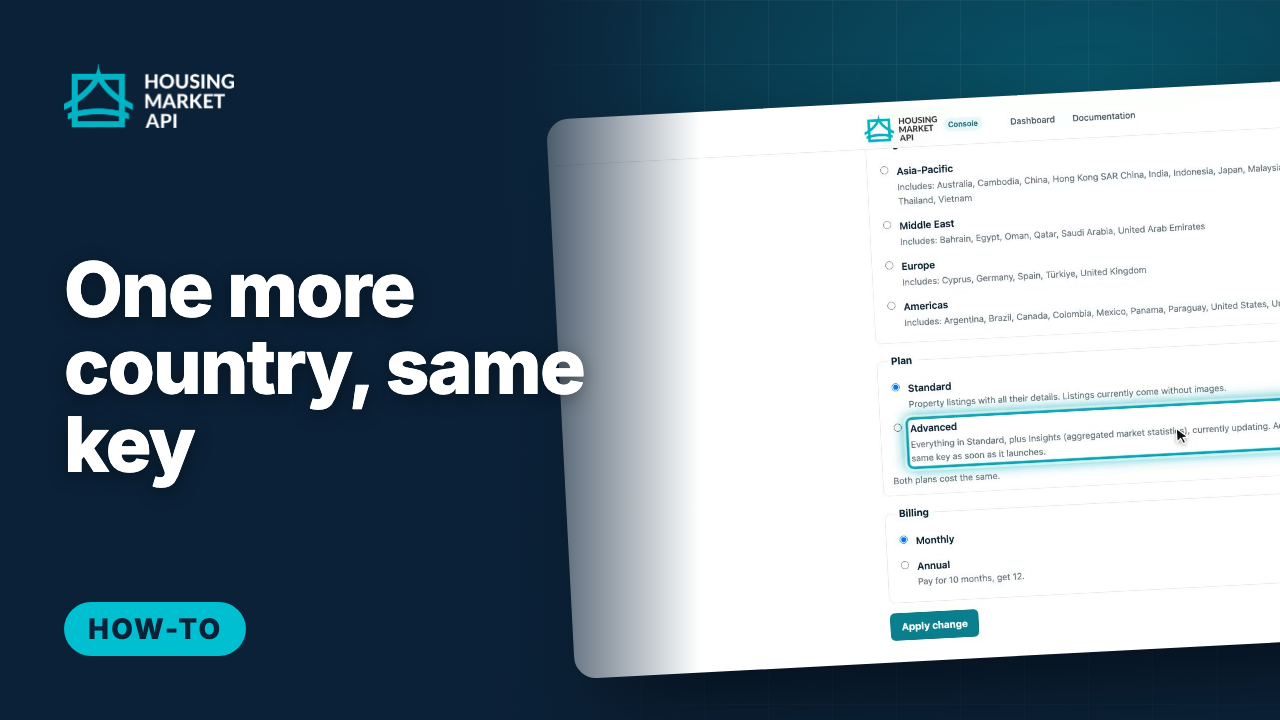
Add a Country or Upgrade Your Housing Market API Plan (Same Key)
Your Housing Market API plan can grow with you: add a country, move to a region or worldwide, or move to Advanced, and the same key covers it as soon as the payment is confirmed. This tutorial opens the plan change, adds a country, and explains how adding and removing are charged.
Watch and follow the steps : Add a Country or Upgrade Your Housing Market API Plan (Same Key)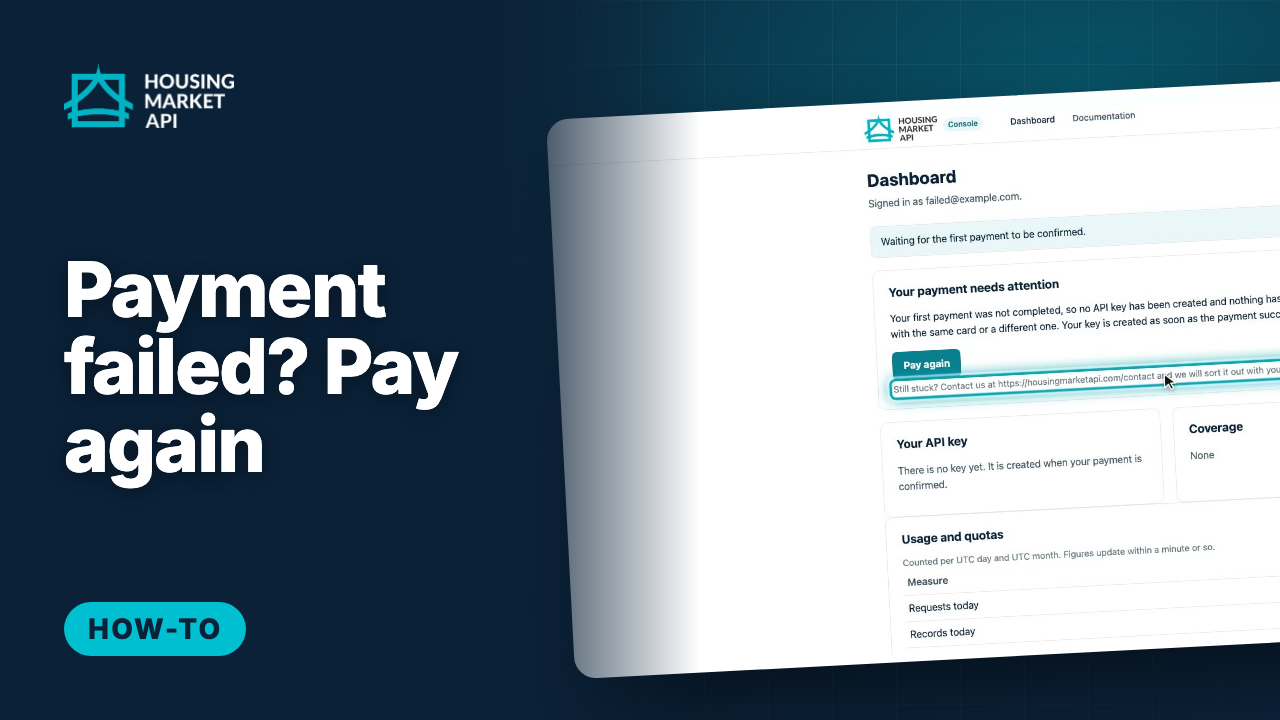
Housing Market API: Payment Did Not Go Through? Pay Again
If the first payment for your Housing Market API plan does not go through, the console says so on your dashboard and offers a Pay again button. No API key has been created and nothing has been kept, so you can try again with the same card or a different one, and your key is created as soon as the payment succeeds. This tutorial shows the message and where Pay again takes you.
Watch and follow the steps : Housing Market API: Payment Did Not Go Through? Pay Again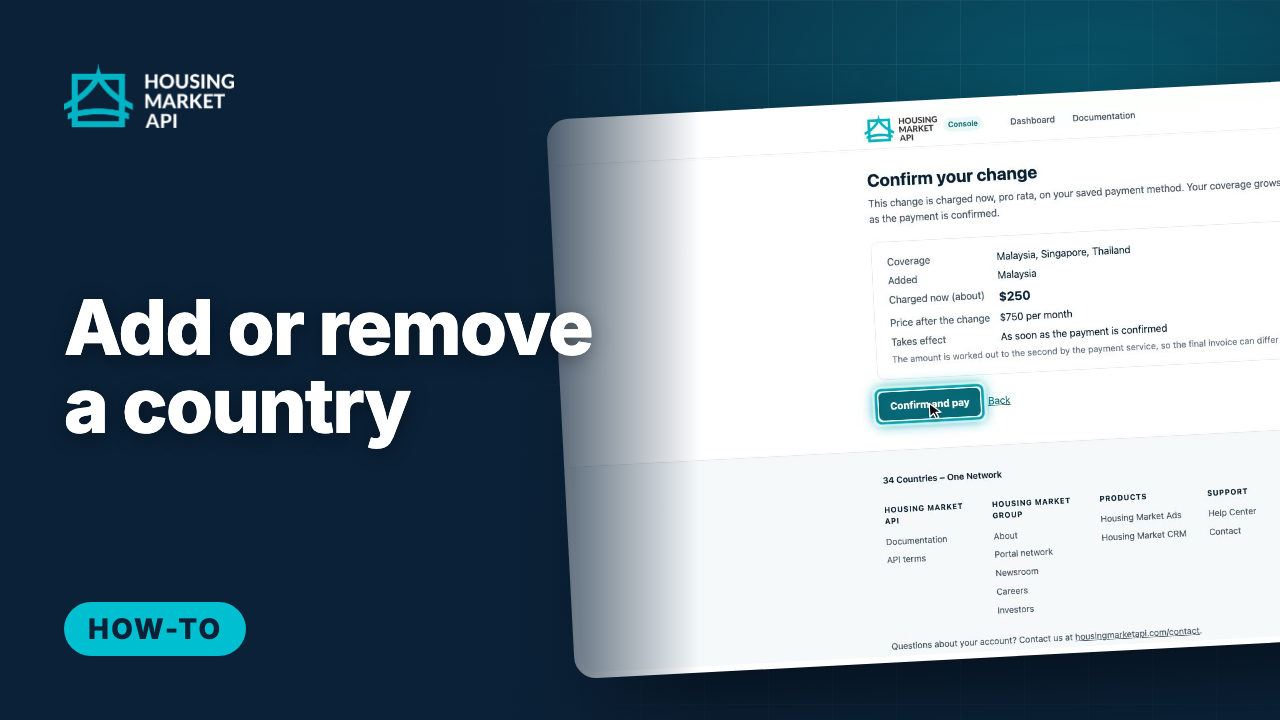
Housing Market API: Add or Remove Countries on Your Plan
On a country plan of the Housing Market API you can add or remove countries on the Your countries page. Before anything is charged, a confirmation step shows what changes, the amount charged now for an addition, the price after the change and when it takes effect. This tutorial adds a country, then looks at removing one.
Watch and follow the steps : Housing Market API: Add or Remove Countries on Your Plan
Keys and first request
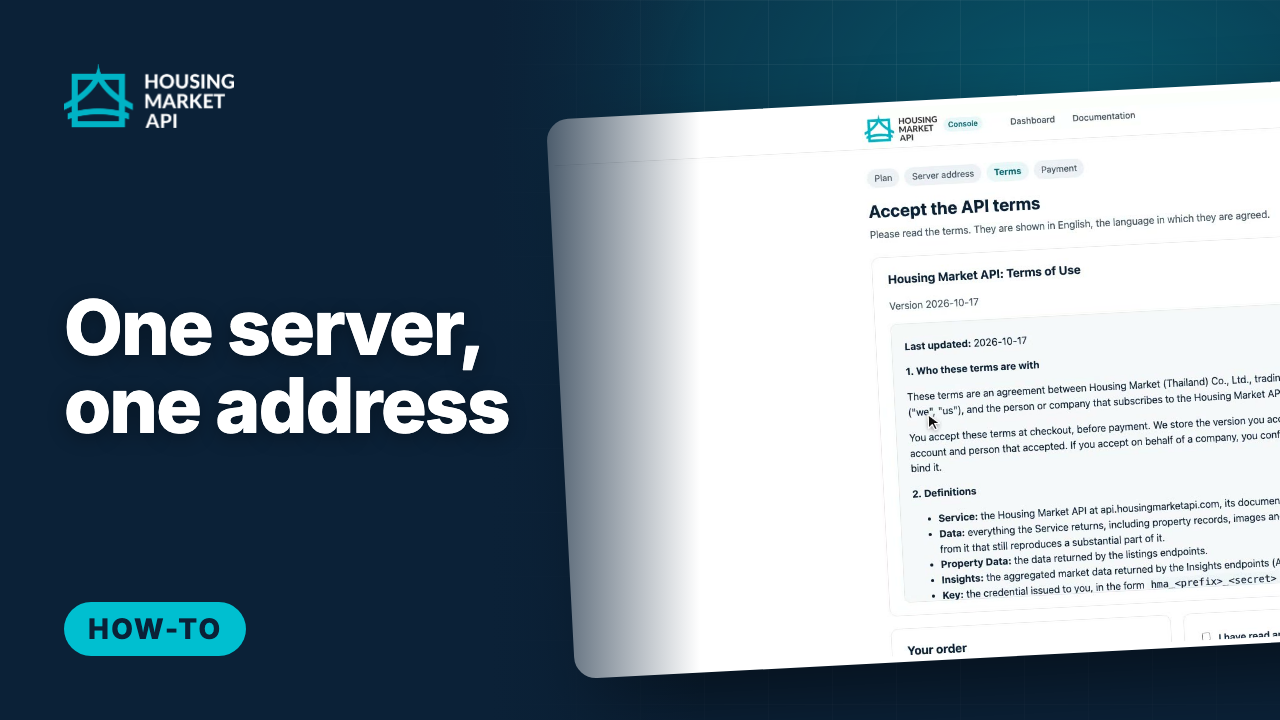
How to Register Your Server IP for the Housing Market API
A Housing Market API key works only from the one server address you register, and before paying you accept the API terms. This tutorial enters the server's IP address, explains why the address your browser shows is usually not the right one, reads the terms step and goes as far as the secure payment page.
Watch and follow the steps : How to Register Your Server IP for the Housing Market API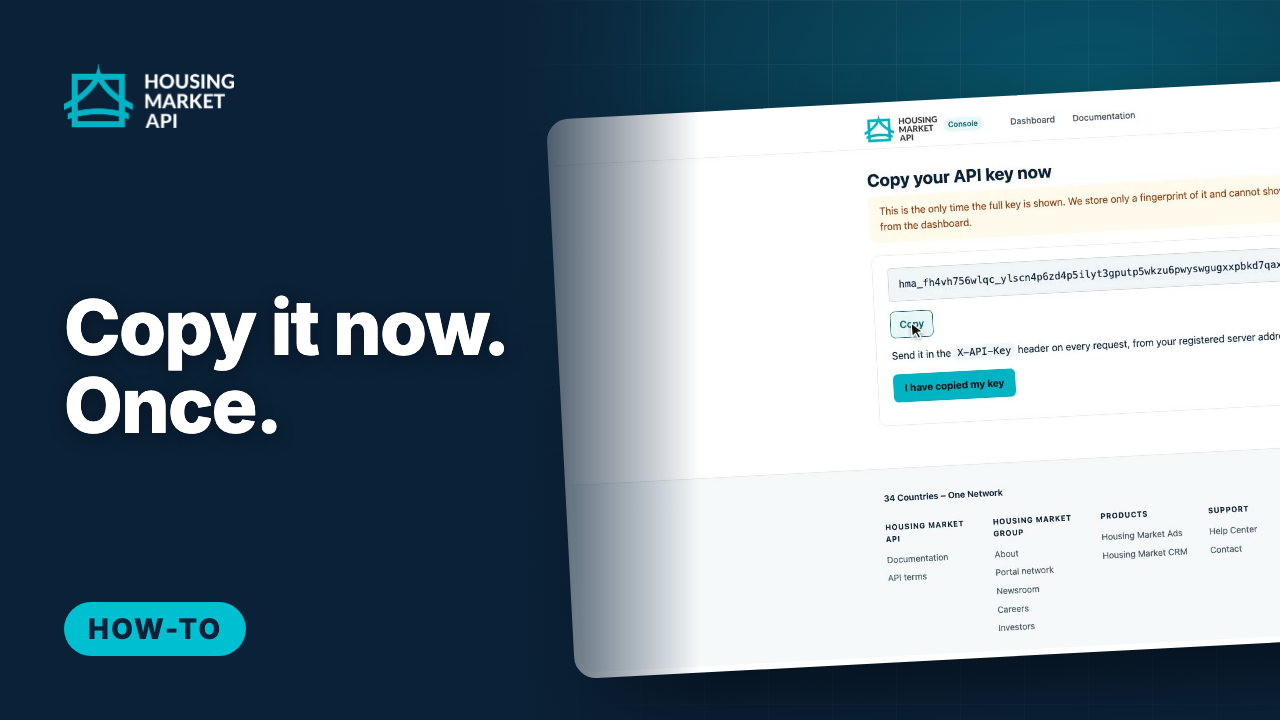
How to Get Your Housing Market API Key — Shown Once
Once the first payment is confirmed, your Housing Market API key is ready, and it is shown exactly once. This tutorial opens the key, copies it, and explains where to keep it and how to send it with every request.
Watch and follow the steps : How to Get Your Housing Market API Key — Shown Once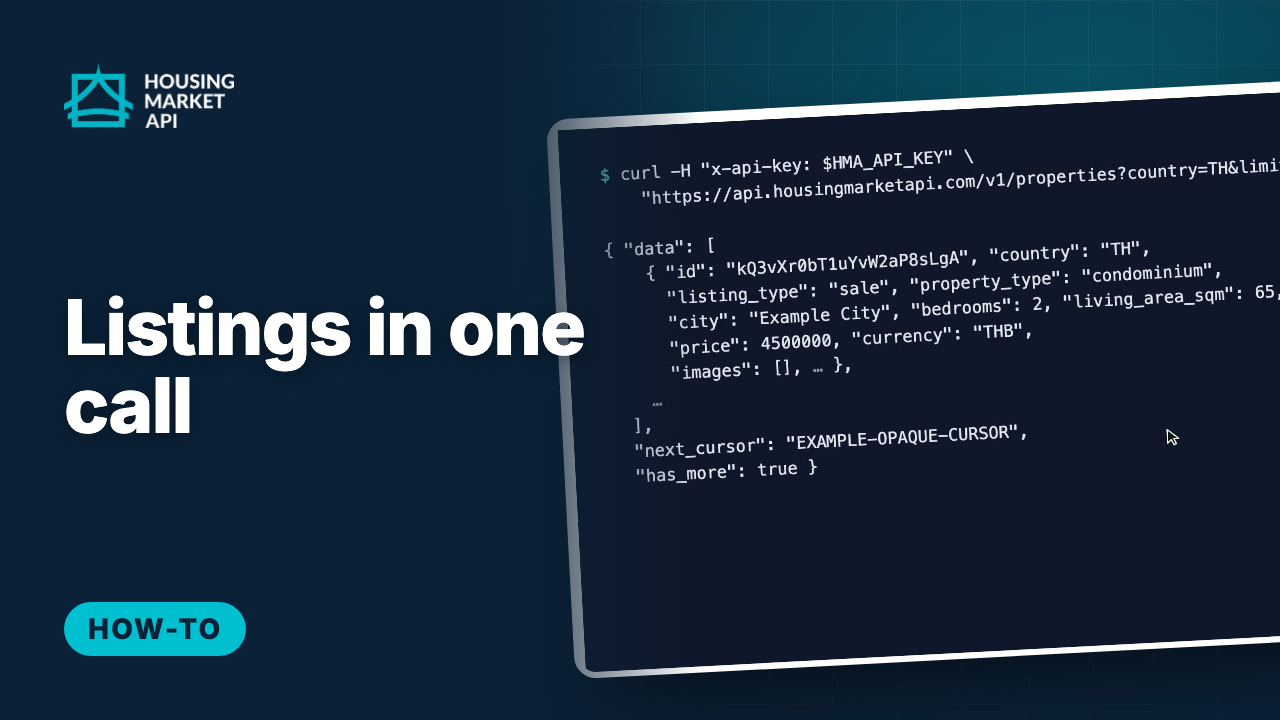
Your First Request to the Housing Market API
With a key in hand, a single HTTPS request returns property listings for a country you have paid for. This tutorial opens the example requests in the documentation, checks the key with a ping, asks for listings in Thailand, reads the response and its cursor, and fetches the next page.
Watch and follow the steps : Your First Request to the Housing Market API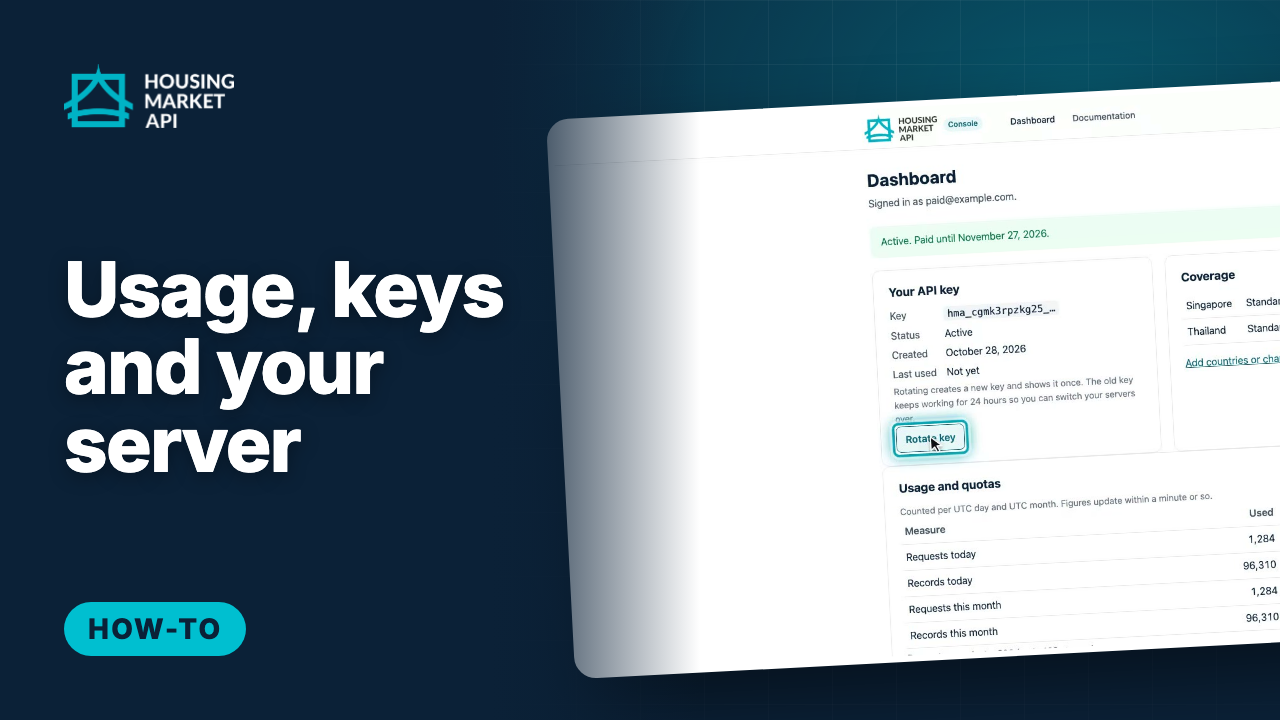
Housing Market API Dashboard — Usage, Key Rotation and IP
The Housing Market API dashboard shows your coverage, how much of your quota you have used today and this month, your key, and the server address it works from. This tutorial reads the coverage and the usage table, explains key rotation with its 24-hour overlap, and changes the registered server address.
Watch and follow the steps : Housing Market API Dashboard — Usage, Key Rotation and IP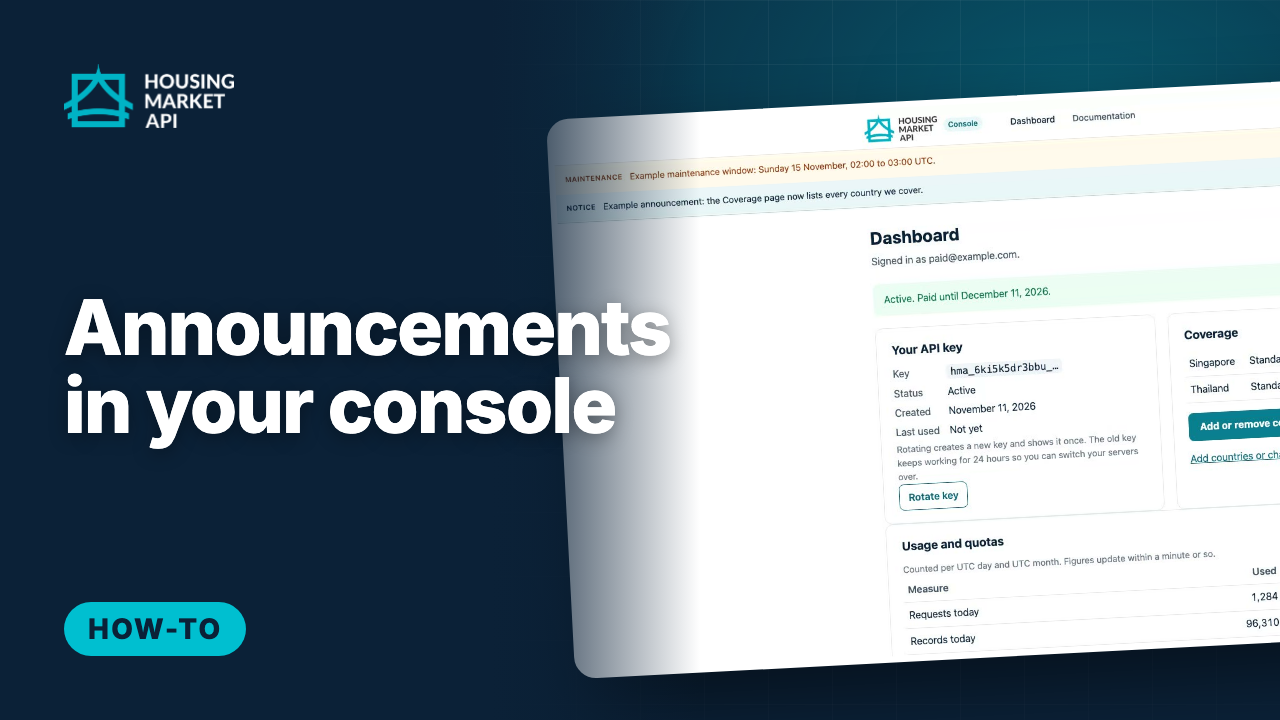
Housing Market API: Announcements in Your Console
When Housing Market Group has something to tell you, such as a notice or a planned maintenance window, it shows as a strip under the header of your Housing Market API console. This tutorial shows what an announcement looks like, how to open its Learn more link, and how to dismiss it so it stays out of your way in that browser. The announcements in this video are examples.
Watch and follow the steps : Housing Market API: Announcements in Your Console
All tutorials for every Housing Market product are in the Housing Market Help Centre, with search and your own progress.